- The Mac download is now signed and notarized by Apple, so it opens with a double-click and no warning.
- Colorblind players get clearer threat and target tints, and a low clock now shows a visible warning.
Features
What the game does
Taikyoku Shogi is the largest shogi ever made, rebuilt in 3D: a 36 by 36 board, 402 pieces a side, and a game that teaches you as you play. Here is what is in it, with real pictures from the game.
▶ Play free in your browserGet the game
36×36squares
402pieces a side
209kinds in the opening
140verified puzzles
The game, in eleven parts
Pick a part
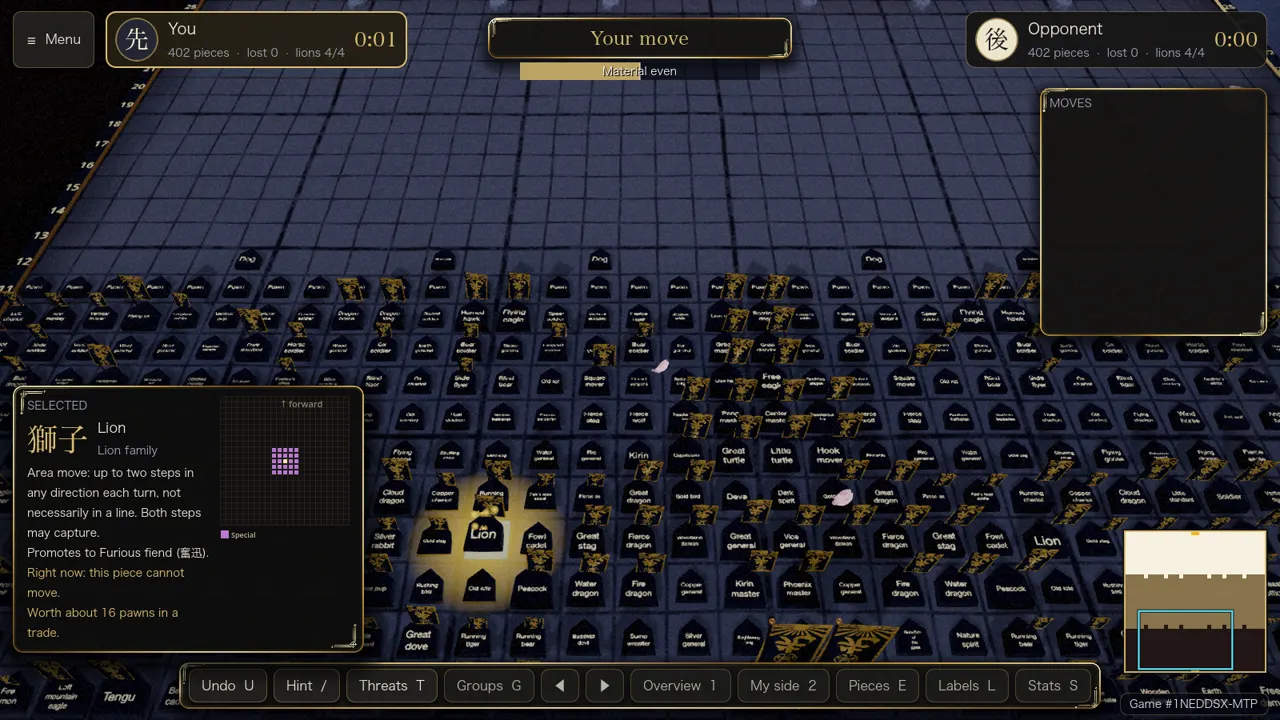
The board and the pieces
36 by 36 squares, 402 pieces a side, 209 kinds of piece, and moves you can see before you commit.
Free browser demo: Yes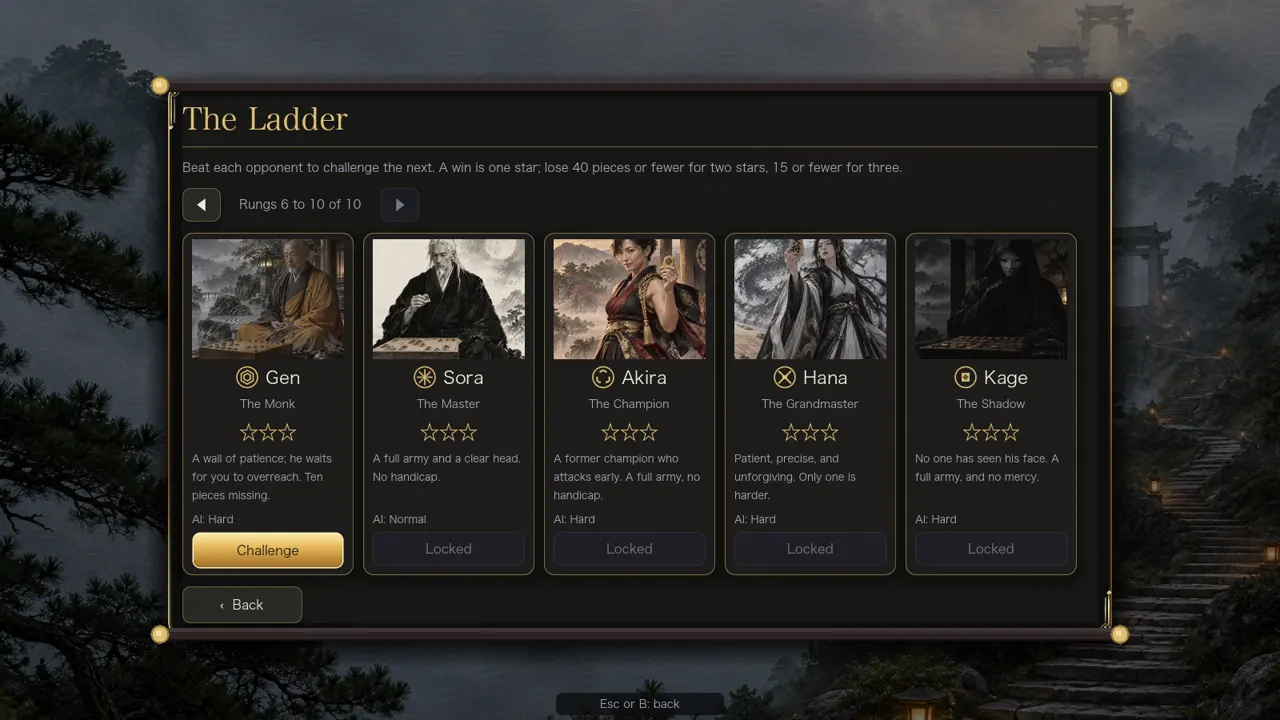
AI opponents and the ladder
Ten opponents with their own faces and handicaps, three AI strengths, clocks and four promotion rules.
Free browser demo: In part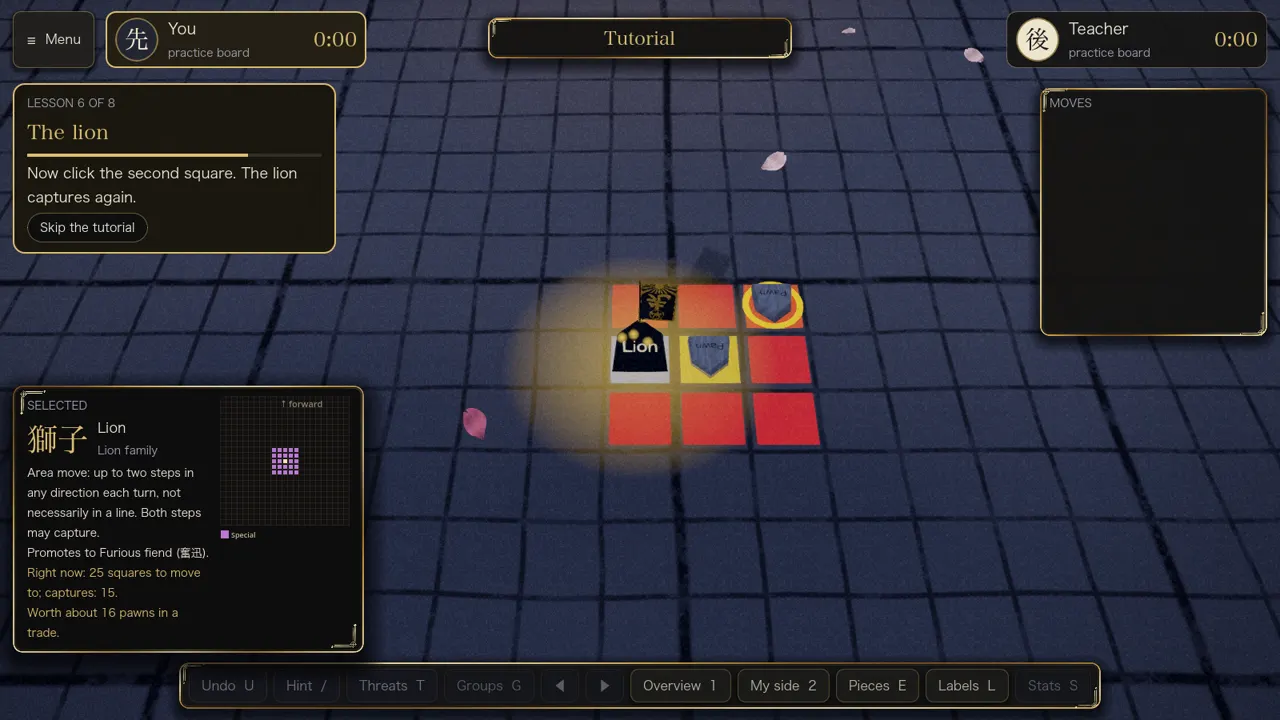
Learn to play
Eight short lessons on the real board, a teacher's voice and always-on captions, then a first fight.
Free browser demo: Yes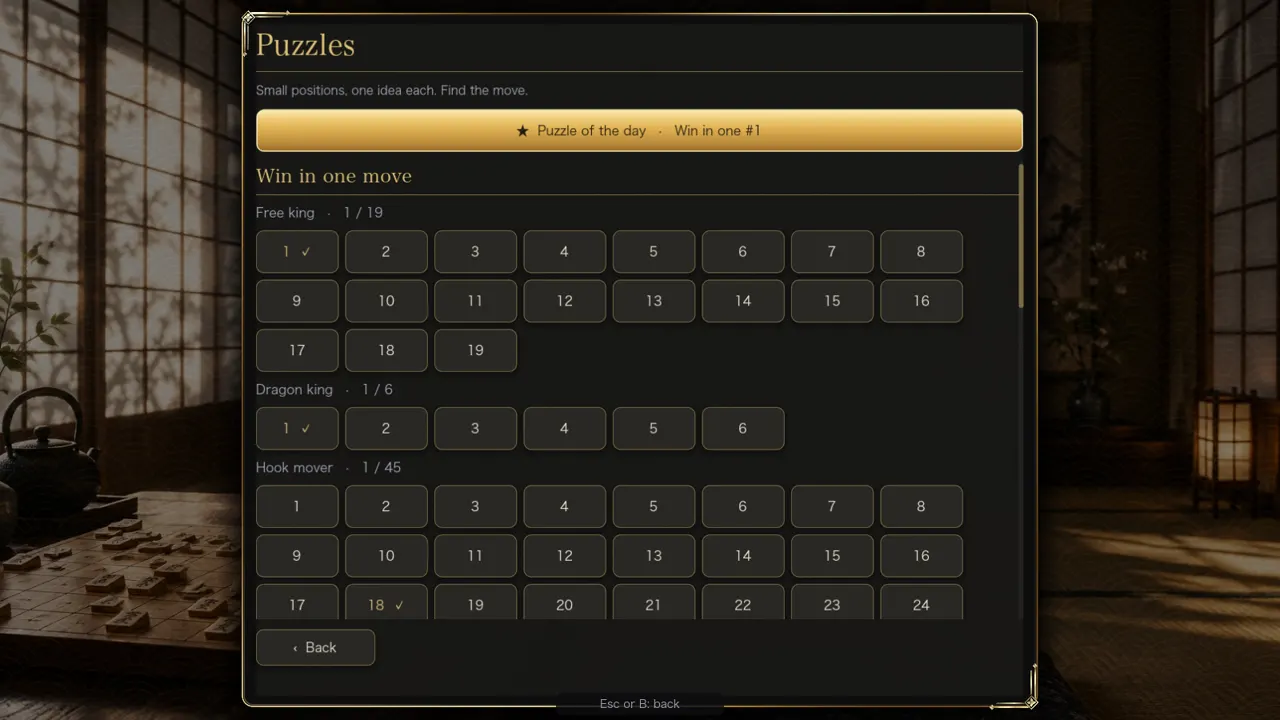
Puzzles and the daily puzzle
140 verified puzzles and a puzzle of the day, in the game and on the website.
Free browser demo: Yes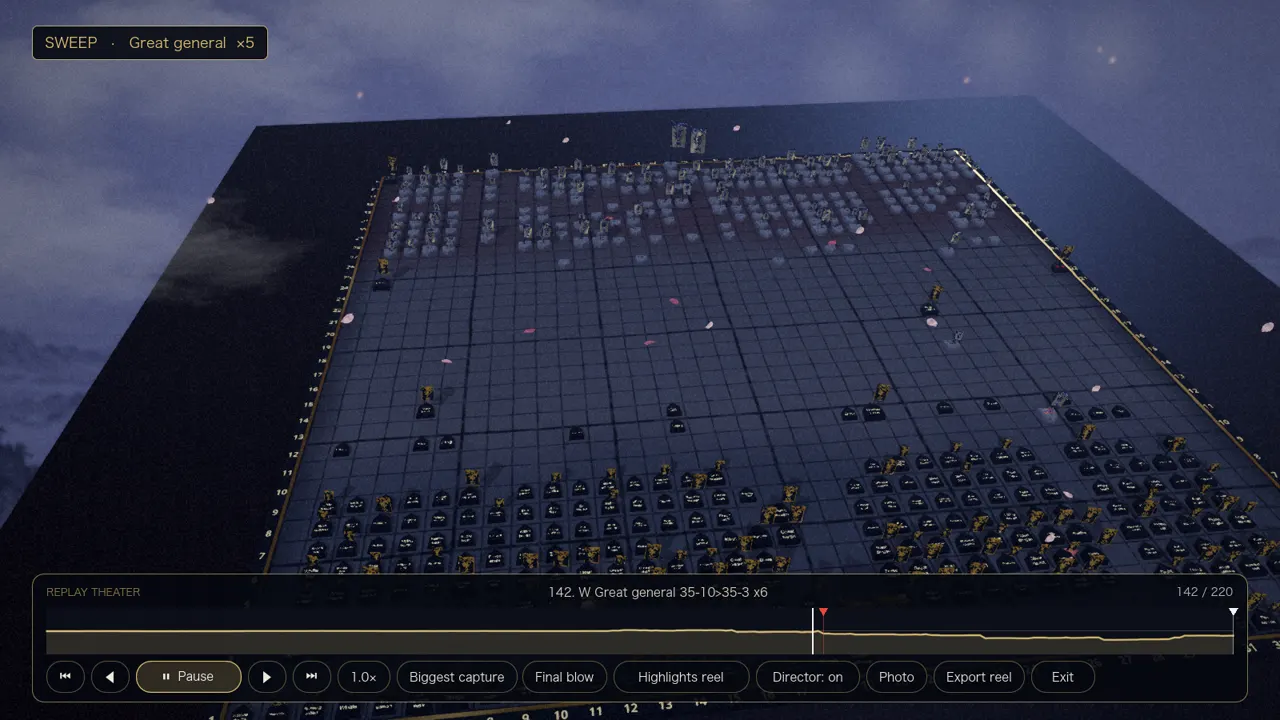
Replay Theater, photos and clips
Replay with highlights and a director camera, Photo mode, clip export and share cards.
Free browser demo: Not in the demo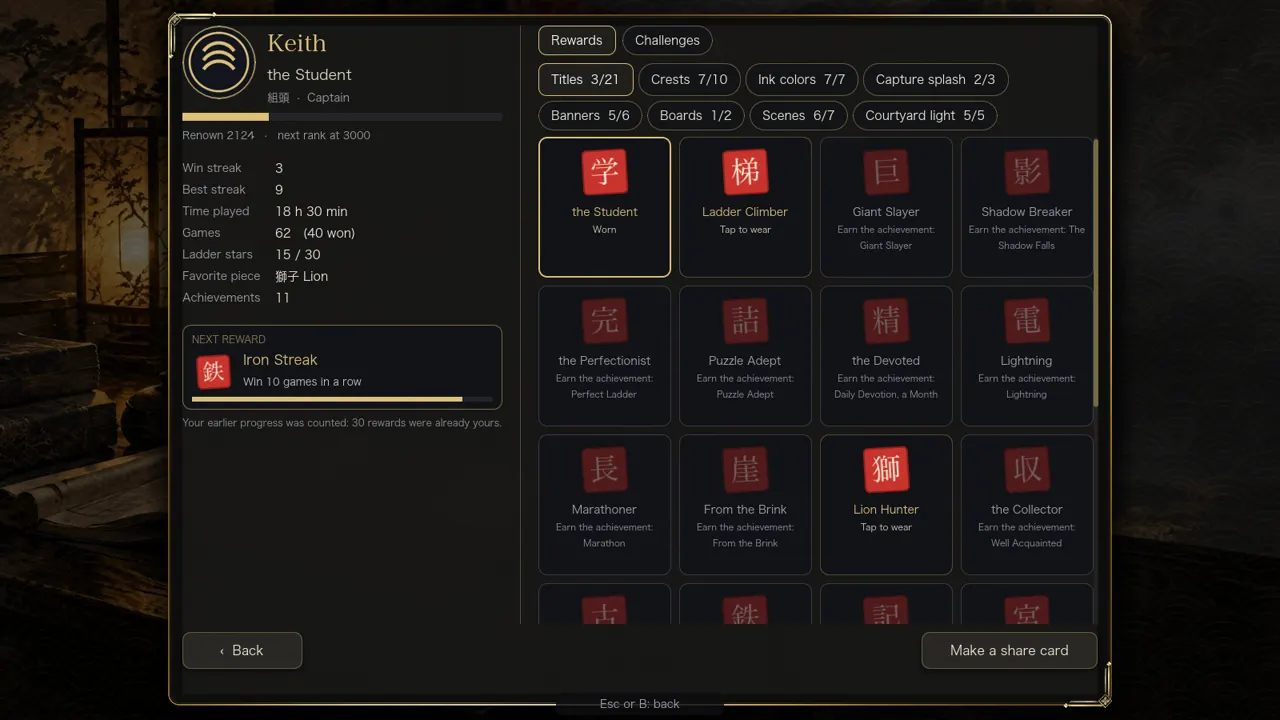
Player card, ranks and rewards
A player card, ten ranks, 61 cosmetic rewards, daily and weekly challenges and 34 achievements.
Free browser demo: Not in the demo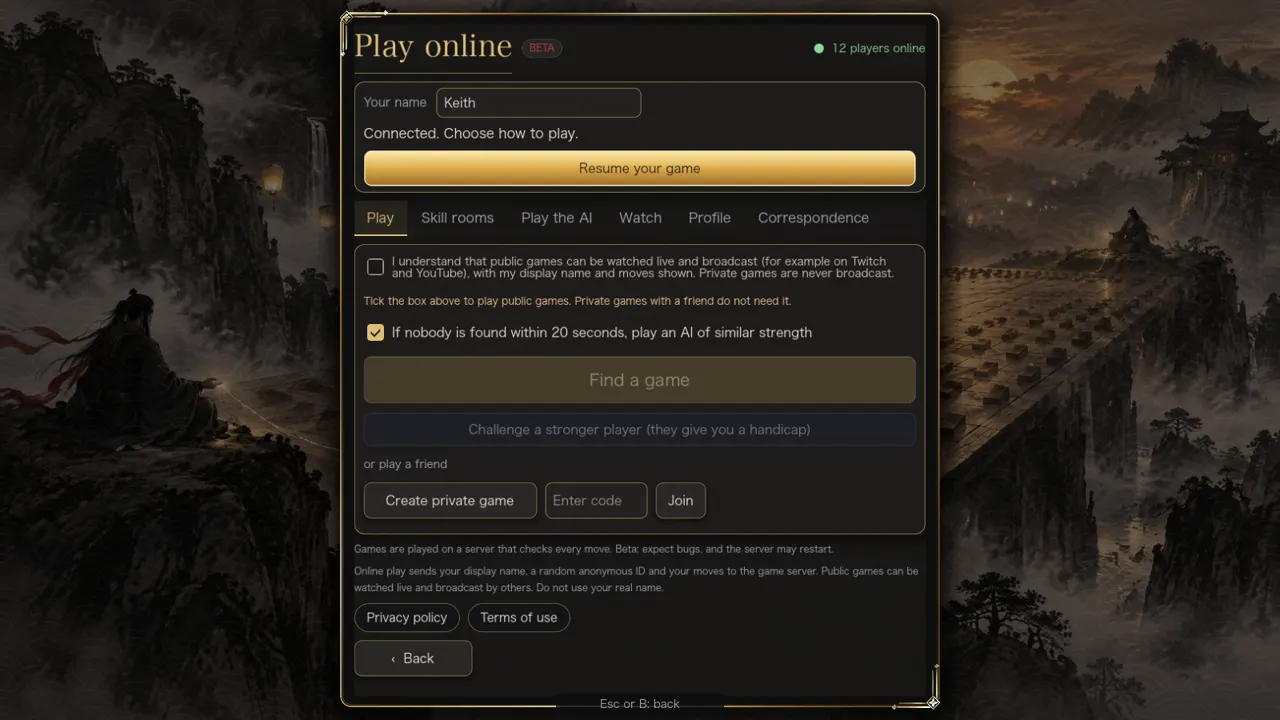
Online play
Skill rooms, private games, correspondence games, spectating and a server that checks every move. Beta.
Free browser demo: Not in the demo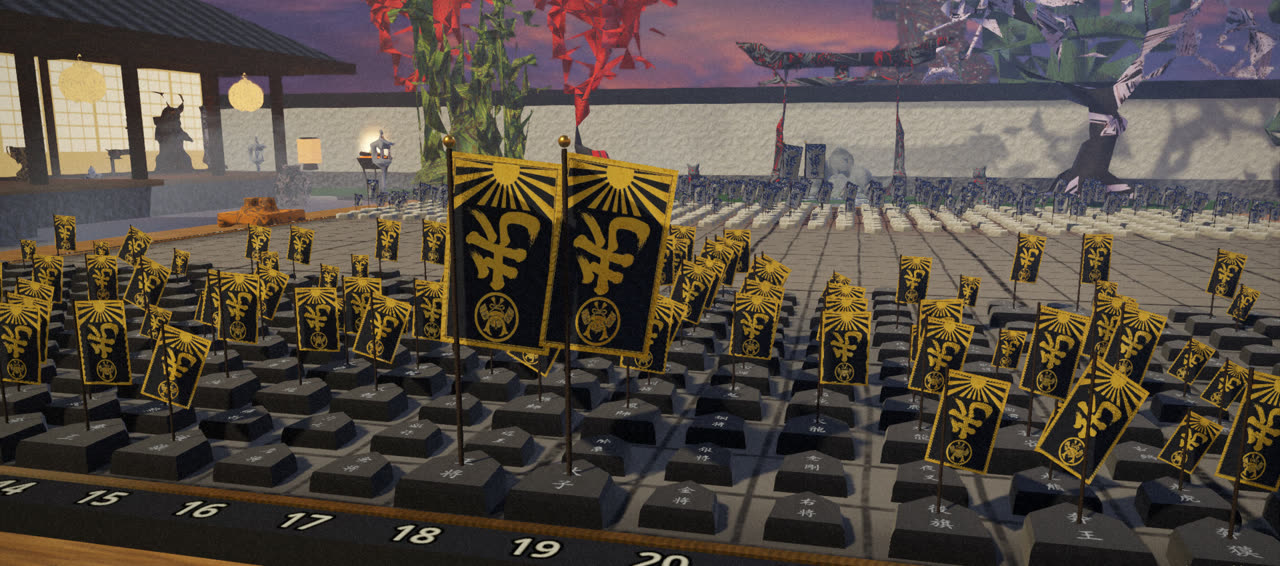
The look: camera, effects and ink
A cinematic camera, ink, capture and promotion effects, seven boards, ten scenes and a courtyard.
Free browser demo: In part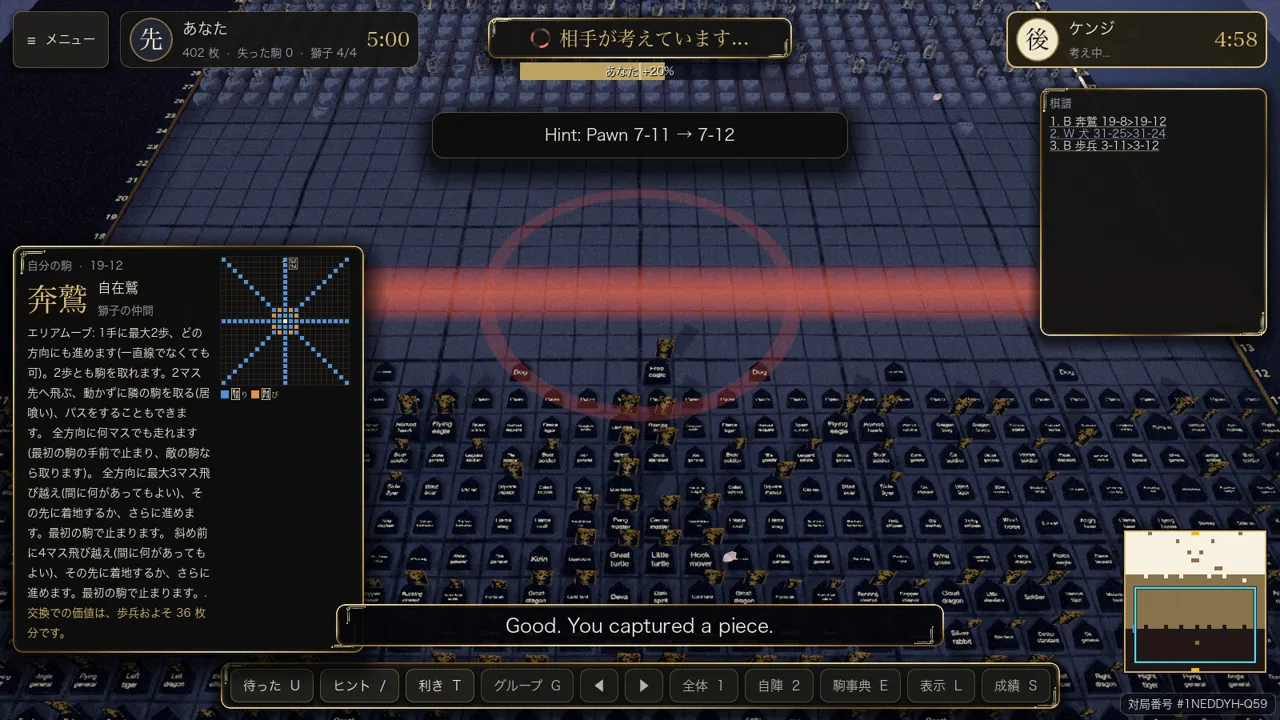
Languages and accessibility
English and Japanese, piece labels in English or kanji, colourblind colours, reduce motion, keyboard and controller play.
Free browser demo: Yes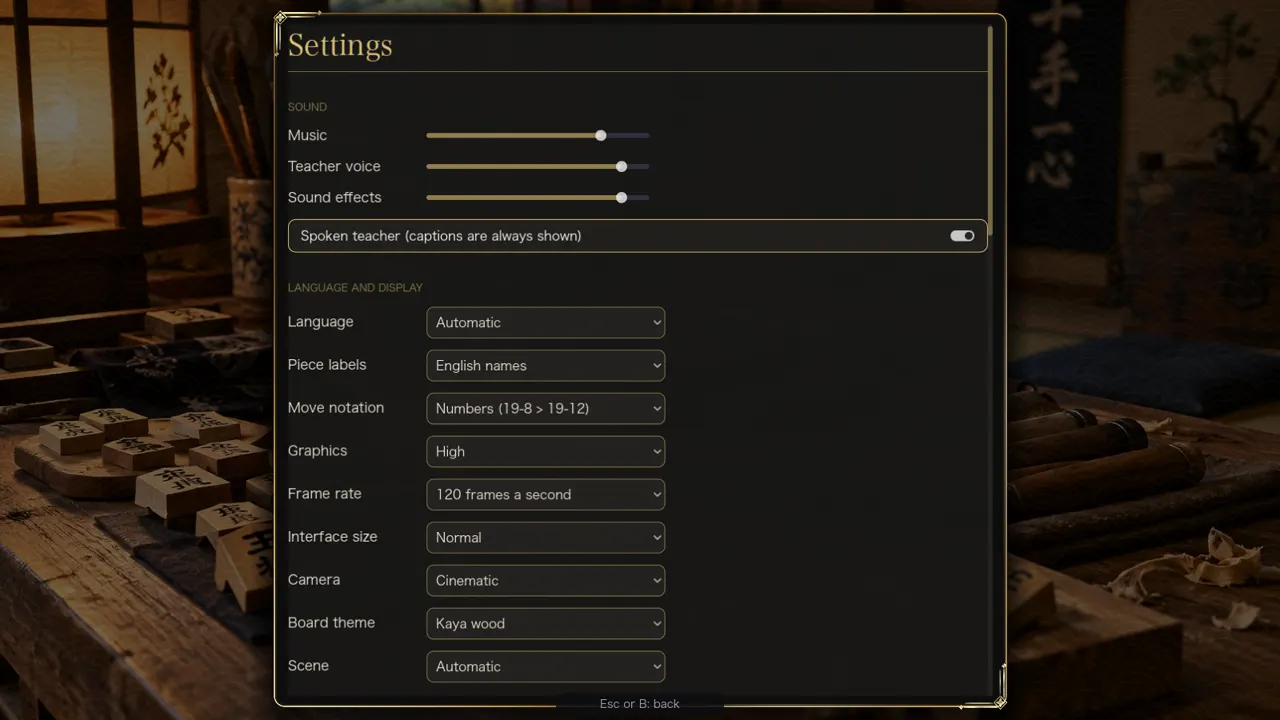
Settings, performance and saves
Graphics levels, frame rate, window options, autosave, My games and a game record you can copy.
Free browser demo: In partFree demo and full game
What you can try for free
The browser demo is a smaller build of the same game. It runs in your browser with no account. The full game (iPhone, iPad, Mac and Windows) has all of it.
In the free browser demo
- Quick Match against the computer: three strengths, a handicap, a clock, four promotion rules
- Two players on one screen
- Skirmish, a short game against a small force
- The guided first game with eight lessons (captions, no voice)
- 140 puzzles and the puzzle of the day
- Watch the AI play itself
- The encyclopedia of 301 pieces, with move diagrams
- My games, the history of the game, achievements and statistics
- Settings: English or Japanese, piece labels, camera, five board themes, accessibility options
Full game only
- The ten-opponent ladder (campaign)
- Online play, correspondence games and spectating
- Player card, ranks, rewards and challenges
- Replay Theater, Photo mode, clip export and share cards
- The courtyard scenery, music and the teacher's voice
- The Vermilion lacquer and Moonstone boards
| Part of the game | Free browser demo | Full game |
|---|---|---|
| Board, pieces, encyclopedia | Yes | Yes |
| Play the computer | Yes | Yes, plus the ladder of ten |
| Lessons and first game | Yes (captions) | Yes (with the teacher's voice) |
| Puzzles and daily puzzle | Yes | Yes |
| Replay Theater, photos, clips | No | Yes |
| Player card and rewards | No | Yes |
| Online play | No | Yes (beta) |
| Courtyard, music, voice | No | Yes |
The demo is a web build of the same game and is not the whole game. It is free and has no time limit.
What's new
Recent builds
The latest changes from the changelog. Every item here is in a released build.
- The 3D piece pictures are back. In beta 89 the Piece Encyclopedia and the selected piece card showed an empty space where the piece should be.
- The "new version available" notice on the title screen no longer sits on top of the menu buttons or the Puzzle of the Day card on mid sized windows.
- Captions are now off by default on every platform. You can turn them on in Settings, under Captions.
- Android phones and tablets got a lot of work: touch scrolling that works everywhere, a bigger minimap that zooms the board, dialogs that fit the screen, a Piece...
- The first release is locked in: the game is feature complete and in its final betas on the computer.
- The Player's Guide is here: a free 170-page PDF with the history, the rules in full, every way to play, how scoring works, strategy, every setting with graphics advice,...
- The game download is about a fifth smaller (the macOS download goes from 670 MB to about 520 MB).
- The game starts faster: the first board builds in about a quarter of the time, and the title screen appears about a third of a second sooner.
- Three new camera views on the toolbar: Action (close to the last move, key 3), Top (straight down on the board, key 4) and Wide (low, with the courtyard around the...
- The game opens closer to your side of the board, and picking a piece now makes it the centre of the view.
Honest notes: the Japanese text and voice were made with machine translation and AI tools and have not yet been reviewed by a native speaker. The ten opponents and the piece biographies are fiction. The music, the voices and the paintings were made with AI tools, and the credits are in the game under Settings, Licenses and credits. Online play is a beta.