Replay Theater, photos and clips
Every finished game is kept. Open one in Replay Theater to watch it again, jump to its biggest capture, and share the best moment.
- Free browser demo: Not in the demo
- Full game: Yes
Full game only. The free demo has My games and a plain step-through replay, without the theater.
Replay Theater
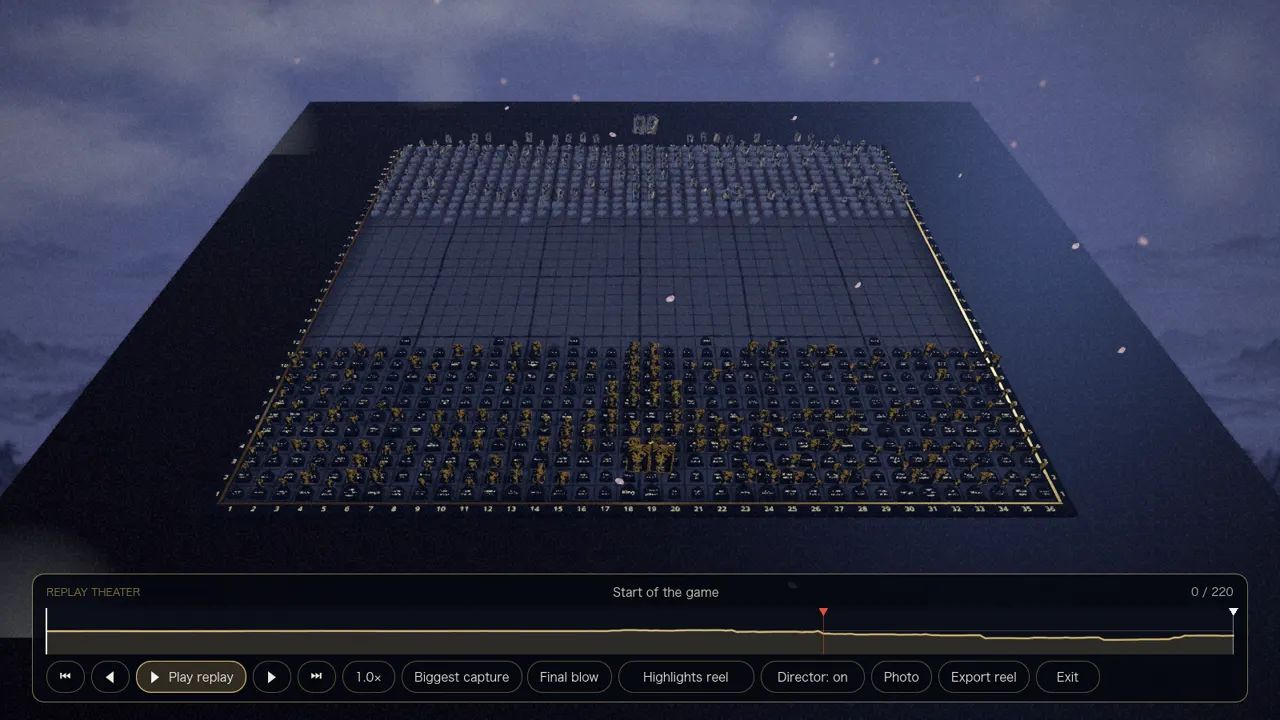
Open any finished game from My games and press Replay. The game replays itself on the board with a bar to play, pause, step, jump and change speed.
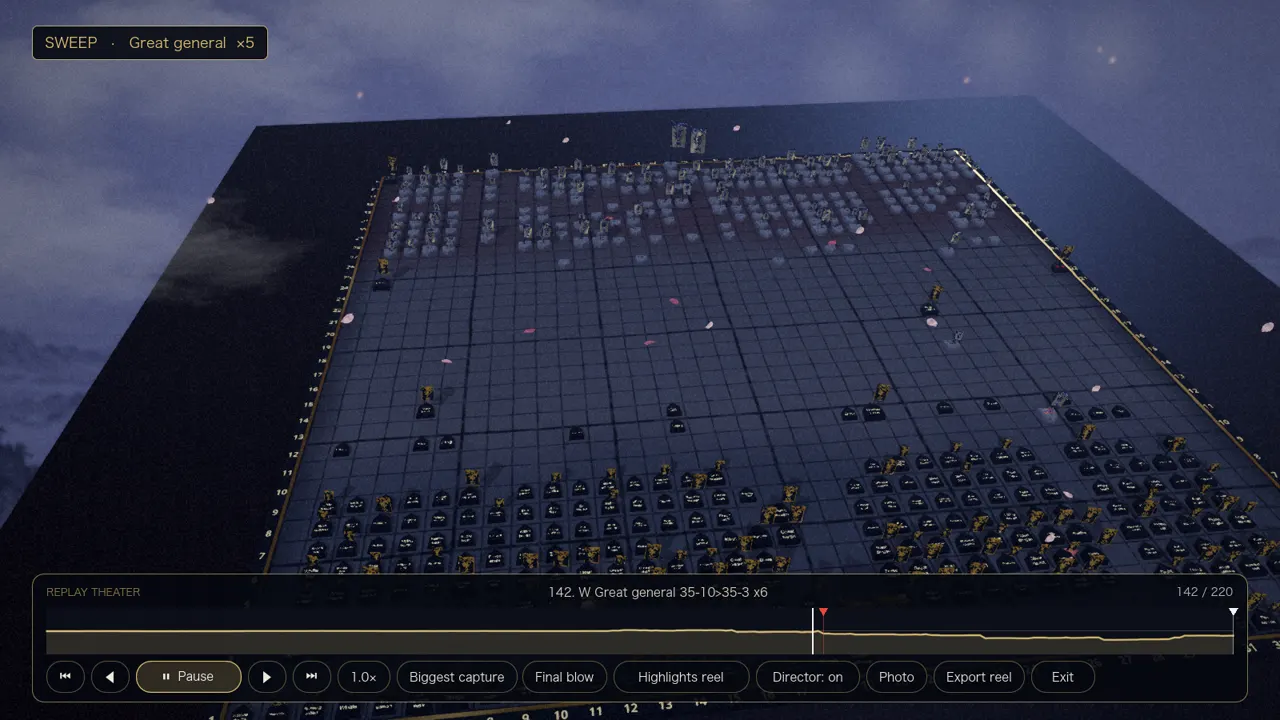
- Speeds from half speed to eight times; Space plays, the arrow keys step, Home and End jump to the ends.
- It finds the highlights by itself: the biggest capture, the turning point (the biggest swing in who is ahead) and the final blow.
- The Highlights reel (H) cuts between those moments with brush, shoji, shutter and petal transitions, starting a few moves before each.
- The Director camera (D) chases long slides and shows big captures from three angles, the last in slow motion. It turns itself off at fast speeds and with Reduce motion.
- Playing a saved game to the end reproduces the final position exactly.
Photo mode
Press F10 in a game or the Photo button in the theater. Choose the field of view, tilt and time of day, and show or hide banners, courtyard scenery, weather and move markers. Save photo writes a PNG at your window size to your Pictures folder, in a Taikyoku folder.
Clips and share cards
- F9 records the last big moment, and Export reel in the theater records the whole highlights reel. Clips are 24 frames a second, up to 1280 pixels wide, saved as AVI. Short moments also get a GIF, and an MP4 if ffmpeg is installed.
- A share card is a 1200 by 630 picture: the final board, the result, the move count, and your player card. It is saved to your computer and never uploaded.
- Clip export was tested on macOS; it has not yet been run on Windows or Linux.
My games
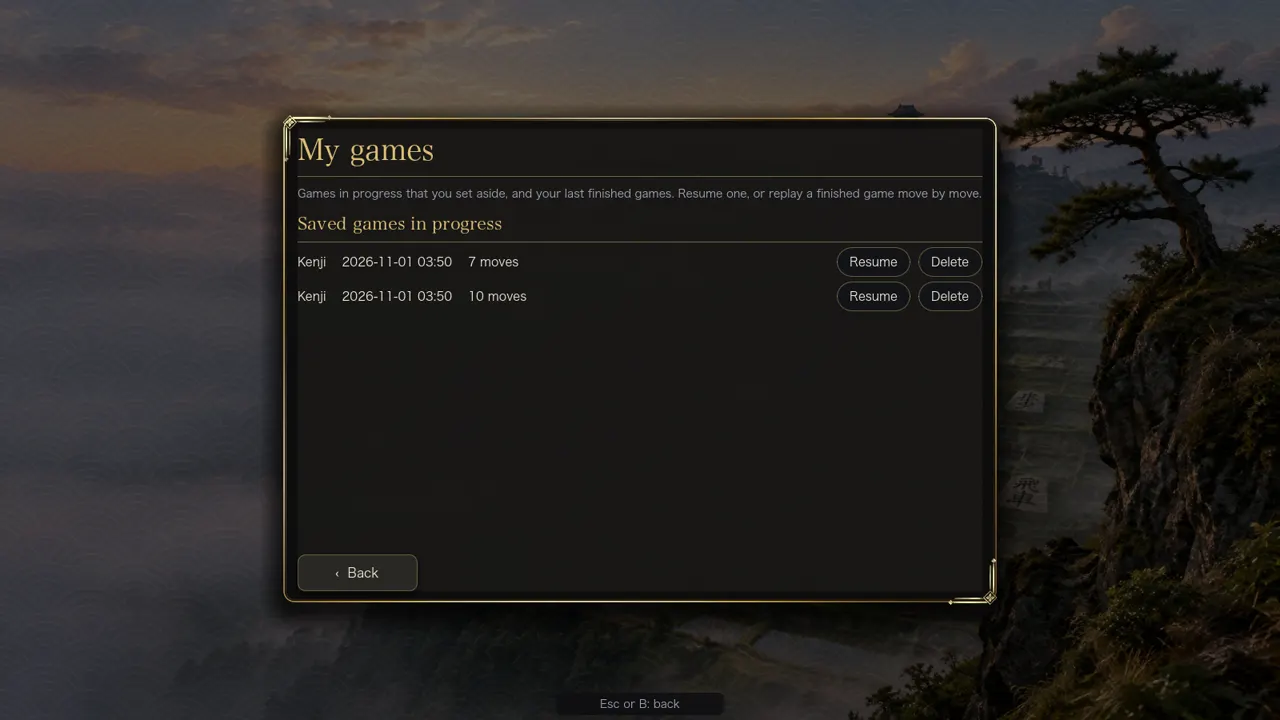
Every finished game against the computer or on one screen with at least four moves is saved, newest 200 games up to 60 MB. Online games are not kept. Each shows the result, the opponent, the date and the number of moves.
Try it
This is part of the full game, not the free browser demo. Get the game to try it. The demo shows the board, the pieces, puzzles and the lessons.